AirPods Pro as a Hearing Aid: How the Feature Works
How the FDA-authorized Hearing Aid feature on AirPods Pro 2 and AirPods Pro 3 works, who it is for, what you need to set it up and when to see a professional.
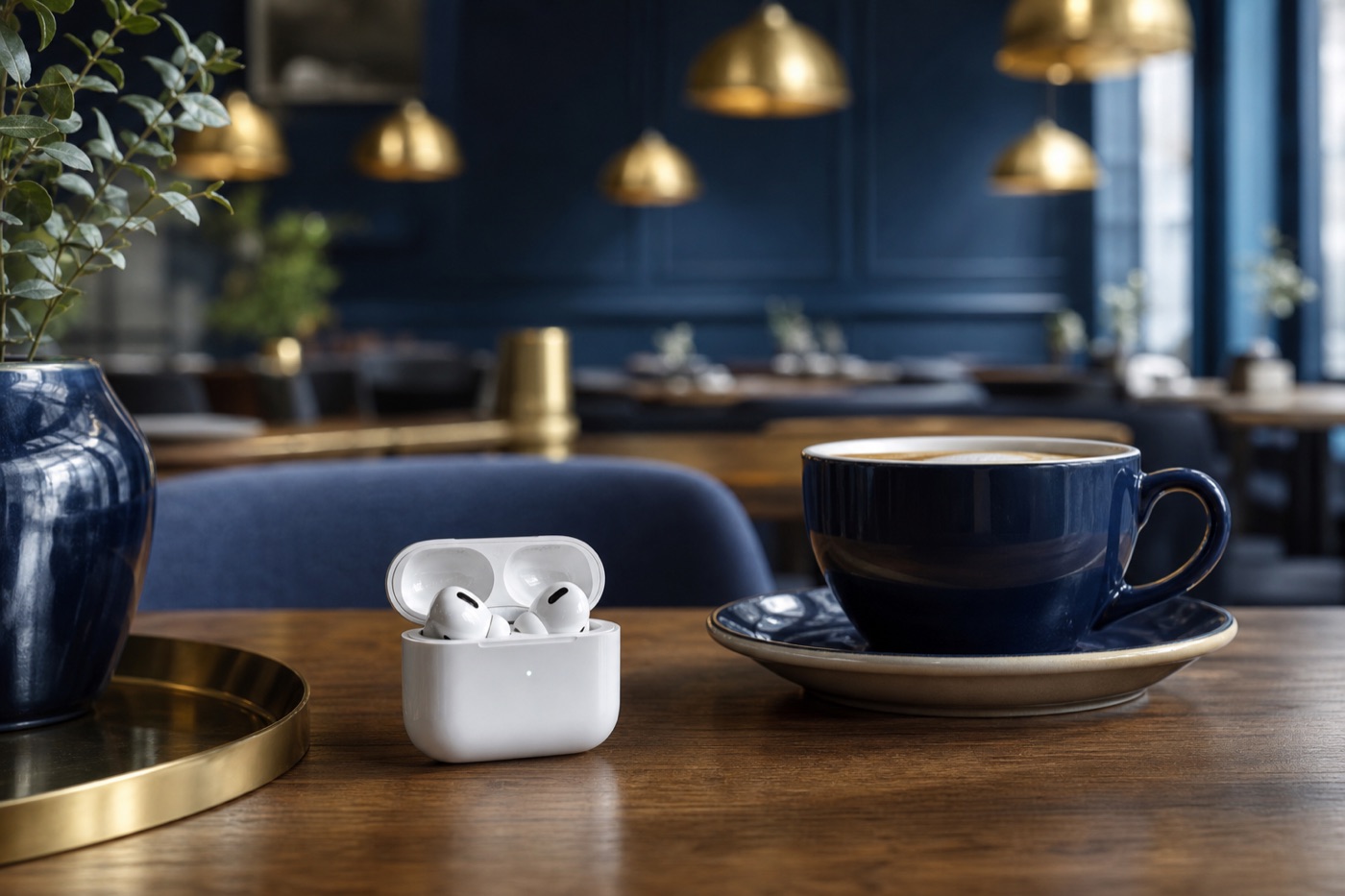
AirPods Pro 2 and AirPods Pro 3 can work as over-the-counter hearing aids for adults with perceived mild to moderate hearing loss. After a five-minute hearing test on an iPhone or iPad, the earbuds amplify the sounds around you according to your personal results. The FDA authorized the software in 2024, so no prescription or audiologist visit is required.
What the FDA authorized
On September 12, 2024, the FDA granted marketing authorization to Apple for what it called the first over-the-counter hearing aid software, a software-only feature for compatible AirPods Pro. The agency reviewed it through the De Novo pathway, which is used for new kinds of low- to moderate-risk devices that have no existing equivalent on the market.
The evidence behind the decision came from a clinical study of 118 adults at several US sites. People who set up the feature themselves reported benefit similar to that of people whose settings were fitted by a professional, and the two groups performed comparably on measures of amplification in the ear canal and understanding speech in noise. The FDA reported no adverse events related to the device.
This builds on a 2022 change. The FDA’s over-the-counter hearing aid category took effect on October 17, 2022, allowing adults 18 and older with perceived mild to moderate loss to buy hearing aids without an exam. Apple’s feature is that category delivered as an update to earbuds many people already own.
What you need
Before starting, check you have everything Apple lists:
- Earbuds: AirPods Pro 2 or AirPods Pro 3, updated to the latest firmware.
- Device: an iPhone or iPad running the latest software. A Mac with macOS Sequoia 15.1 or later can also be used to adjust settings.
- Age: 18 or older.
- Hearing profile: either a result from Apple’s Hearing Test or an audiogram from a hearing health professional.
- Location: availability varies by country or region; the feature is offered in the US.
- Charge: Apple notes the earbuds must be charged for the feature to work properly.
Setting it up
With the AirPods in your ears and connected, open Settings, tap your AirPods’ name, then go to Hearing Health and Hearing Assistance. Choose Set Up Hearing Assistance and either take the Hearing Test or use an existing result or audiogram. Then tap Set Up Hearing Aid and follow the prompts.
Apple describes the test as pure-tone audiometry; in practice, you tap the screen each time you hear a tone in the left or right ear. Apple says it was developed using more than 150,000 real-world audiograms. If your results suggest more than mild to moderate loss, the feature isn’t designed for you, and that is a good moment to book an appointment with an audiologist.
Living with it day to day
Once it’s on, the earbuds amplify the sound around you according to your hearing profile. A few controls are worth learning:
- Adjustments. In the AirPods settings you can change amplification, balance between ears, tone and ambient noise reduction. Amplification is also in Control Center. The device’s volume buttons do not change hearing aid amplification.
- Conversation Boost. This focuses on the person speaking in front of you. Apple says it works best for one-on-one conversations.
- Media Assist. Your hearing profile can also tune music, video, calls and FaceTime for clarity, with separate switches for media and calls, across all noise control modes.
- Swipe control. Apple’s Swipe to Control Amplification option works only in Transparency mode and when no media is playing.
- Battery. Apple’s hearing health page lists up to 10 hours of battery life using the Hearing Aid feature.
Both models also offer Hearing Protection, which reduces exposure to loud environments. Apple says it is not suitable for extremely loud impulse sounds and does not cover sustained sounds louder than 110 dBA, so it’s no substitute for dedicated protection around gunfire or similar sharp, extreme noise.
Is your hearing in the right range?
The FDA lists common signs of mild to moderate hearing loss: struggling to follow speech in noisy places or group conversations, trouble hearing on the phone, finding that listening tires you out, and being told the TV is too loud.
The same FDA page lists situations where you should see a doctor instead of buying an over-the-counter device. They include sudden hearing change in the past six months, pain in the ear, fluid or blood draining from it within the past six months, severe dizziness, hearing that is worse in one ear, ringing in only one ear, or not hearing speech even in a quiet room. Any of these deserves a medical evaluation first.
How it compares with traditional hearing aids
NIDCD describes every hearing aid as three basic parts, a microphone, an amplifier and a speaker, working together to make sounds louder in both quiet and noisy places. AirPods Pro apply the same principle, with the tuning set in software from your hearing test rather than in a clinic.
Prescription hearing aids are programmed by a hearing health professional for your specific loss, and the National Institute on Deafness and Other Communication Disorders notes they may be necessary for more significant or complicated hearing loss. Over-the-counter options, including AirPods, are meant for the milder end.
The appeal of the AirPods approach is access. NIDCD estimates that only about one in five people who would benefit from a hearing aid actually uses one. Earbuds that double as a hearing aid, set up in minutes at home, remove some of the friction that keeps people from trying.
Who should give it a try
If you’re an adult who has started asking people to repeat themselves in restaurants, and none of the FDA’s warning signs apply, the Hearing Aid feature is a low-effort first step, especially if you already own compatible AirPods Pro. Take the test, live with the settings for a few weeks, and remember that your results are saved in the Health app, ready to share if you later decide to see an audiologist.
Questions people ask
Is the AirPods Pro hearing aid feature FDA-approved?
The FDA authorized it in September 2024 through its De Novo pathway, making it the first over-the-counter hearing aid software the agency had authorized. Apple's wording is that the feature has received FDA authorization.
Do I need a hearing test from an audiologist first?
No. You can take Apple's Hearing Test with the AirPods in your ears, which Apple says takes about five minutes, or load an audiogram from a hearing professional if you already have one.
Which AirPods support the Hearing Aid feature?
AirPods Pro 2 and AirPods Pro 3 running the latest firmware, paired with an iPhone or iPad on current software. The first-generation AirPods Pro and the standard AirPods do not support it.
Can teenagers use it?
No. Apple and the FDA both limit the feature to people 18 and older, and the FDA says anyone younger who needs hearing help should see a doctor, ideally an ear, nose and throat specialist.
Sources
Guides are written by the Innovation Prizes editors from makers' documentation, regulators and published research. We do not take advertising or affiliate commissions. About us.