Best Pregnancy Apps of 2026
What to Expect is the best pregnancy app of 2026 for its free week-by-week tracker and medically reviewed content. BabyCenter and Ovia are the finalists.
The verdict
What to Expect wins for 2026 because its free app pairs a detailed pregnancy journal, including kick counts and medications, with content its Medical Review Board checks against ACOG and AAP guidance. BabyCenter is the finalist for parents who want free classes and tools in one place, and Ovia is the finalist for people who care most about how their data is handled.
| Award | Product | Best for |
|---|---|---|
| Winner | What to Expect Pregnancy & Baby Tracker Everyday Health, Inc. | First-time parents who want one free, thorough tracker |
| Finalist | BabyCenter Pregnancy Tracker Everyday Health, Inc. | Free childbirth classes plus kick and contraction tools |
| Finalist | Ovia Cycle & Pregnancy Tracker Ovia Health by Labcorp | Privacy-minded users and people with Ovia through work |
| Commended | Flo Flo Health | Cycle trackers who want to stay in one app |
| Commended | Pregnancy+ Philips | Visual learners who want interactive 3D baby models |
| Commended | Health app pregnancy logging Apple | iPhone and Apple Watch owners who want built-in tracking |
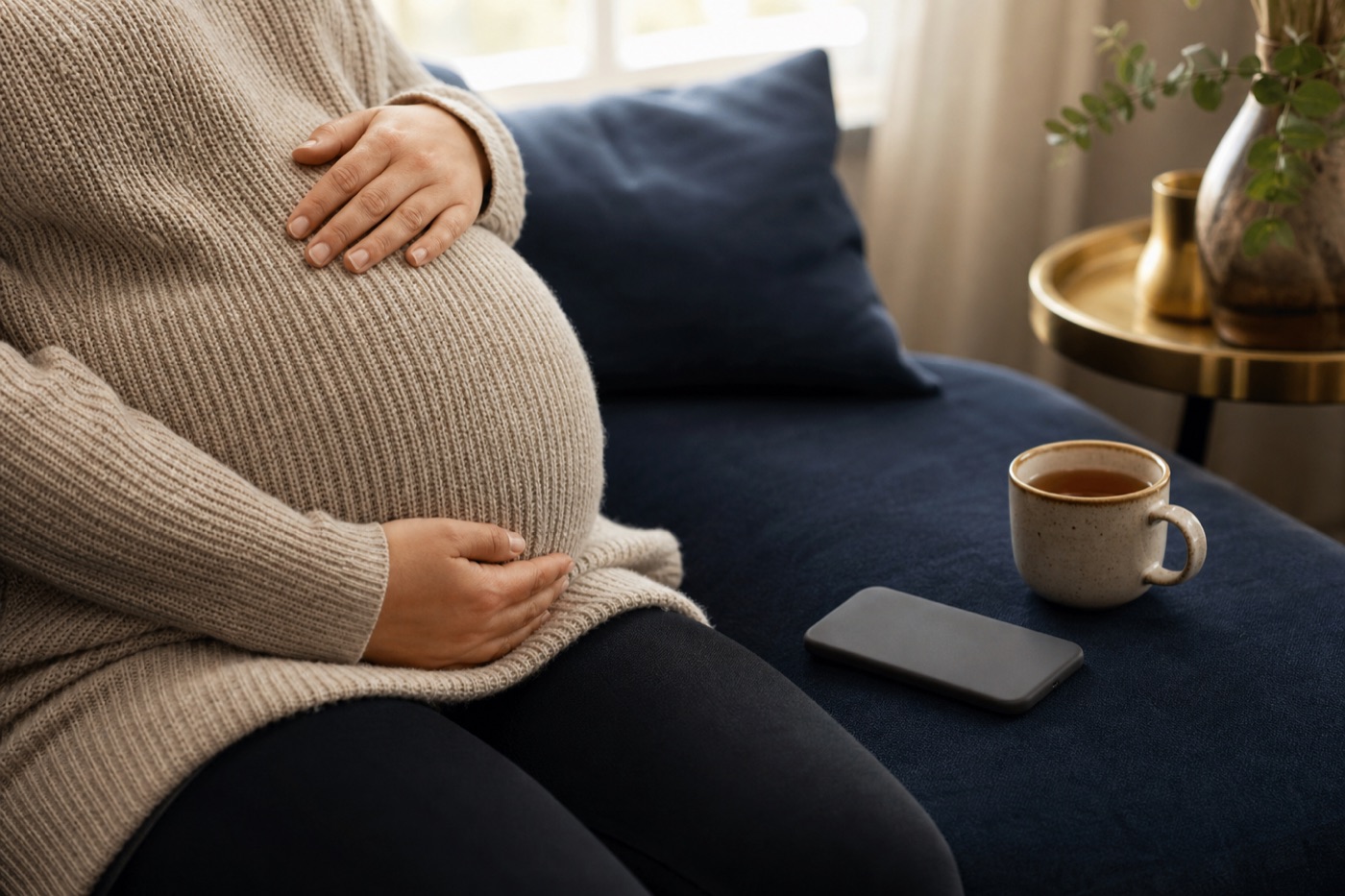
The best pregnancy app of 2026 is What to Expect, a free tracker that follows your pregnancy day by day and lets you log symptoms, weight, kick counts and medications in one journal. BabyCenter and Ovia are the two finalists, and Flo, Pregnancy+ and the pregnancy tools inside Apple’s Health app are commended.
How pregnancy apps were judged
A pregnancy app is mostly an information product, so the source of that information mattered more here than in any other category. Apps scored best on published evidence when they named who reviews their content and which medical guidelines they follow. Everyday usefulness came down to the tools expecting parents actually reach for: a reliable due date, symptom and appointment logs, kick and contraction counters, and a community that handles hard news, such as pregnancy loss, with care. When Consumer Reports evaluated What to Expect, Ovia, BabyCenter and Pregnancy+ in 2024, it noted that the apps differed in how they handled complications, including miscarriage, and described their privacy and security as mostly disappointing. Polish and protection are separate questions, and this prize scored both.
Privacy carried extra weight in practice, because pregnancy data is among the most sensitive information a phone can hold. Here we leaned on the App Store privacy labels each developer files with Apple; they are self-reported and not verified by Apple, but they are the most consistent public comparison available. The five factors and their weights are described on the Innovation Prizes criteria page.
Winner: What to Expect Pregnancy & Baby Tracker
What to Expect turns the long-running book franchise into an app that covers nearly everything an expecting parent needs, and Everyday Health, its developer, describes the app as free on its App Store listing.
The tracker side is unusually complete. A week-by-week view shows baby development, typical symptoms and daily tips, backed by 3D videos of weekly development from conception to birth. The My Journal tool logs symptoms, weight, kick counts, medications, appointments and memories, and there is a twin mode for people expecting more than one baby. The app also runs on Apple Watch, according to its listing, and carries on after birth with a baby log for feedings, diapers, sleep and pump sessions.
The evidence case is what lifted it to the top. What to Expect says all of its content is reviewed by the What to Expect Medical Review Board and other experts, and that its medical guidance comes from the American College of Obstetricians and Gynecologists, the American Academy of Pediatrics and the Centers for Disease Control and Prevention, along with peer-reviewed journals. Few rivals spell out their sourcing that plainly.
The app also kept improving through 2026. Its version history shows a new “Buzzing” feed of trending community conversations in June and a Community Answers feature in October that gathers insights from other parents on common questions. Birth-month groups remain the core of that community.
Who should skip it: anyone uneasy about advertising. The App Store privacy label lists contact info, identifiers, usage data and sensitive info among the data that “may be used to track you” across other companies’ apps and websites, and third-party advertising among its purposes. The company offers a “Do not sell my info” request page, but privacy-first users should look at the Ovia section below.
Finalist: BabyCenter Pregnancy Tracker
BabyCenter is the closest rival, and on access it is arguably stronger: the company says the features it lists for its app are all free. It shows 3-D fetal development videos, keeps a pregnancy calendar for appointments and symptoms like nausea, and adds a kick counter, a contraction timer, a printable hospital bag checklist and a birth plan template. Its listing also offers free baby safety and childbirth classes, a useful extra for first-time parents.
BabyCenter says its health information is written by experts and reviewed and approved by its Medical Advisory Board. Its Birth Clubs group people by due-date month. A loyalty program that trades points for discounts on baby brands will appeal to some parents and put off others.
It finished behind the winner on the depth of its personal journal, and it shares the same developer and broadly the same privacy label as What to Expect, including data that may be used for tracking.
Finalist: Ovia Cycle & Pregnancy Tracker
Ovia is the privacy standout. Among the six products here, it is the only downloadable app whose App Store label has no “Data Used to Track You” section at all. The developer, Ovuline, still lists data linked to you, including health and contact details, so it is not a data-free app, but it does not declare cross-company tracking.
The app now folds Ovia’s old fertility and pregnancy apps into one, so a single account runs from cycle tracking through pregnancy, a 12-month postpartum program and perimenopause. Pregnancy tools include a week-by-week guide, a baby growth calendar with 3D illustrations, a bump tracker, food and symptom safety lookups, and a kick counter with a contraction timer. You can share daily updates with a partner or relative and add a PIN.
Ovia is also offered through employers and health plans. For people covered that way, the company advertises premium tools such as health coaching and unlimited one-on-one Care Team support by message, phone or video, at no cost to the member. Skip it if you want an iPad app; the App Store lists it for iPhone only.
Commended: Flo
Flo’s pregnancy mode suits people who already track cycles in Flo and want to stay put. Its standout feature is Anonymous Mode, which lets you use the app without a name, email or other identifiers attached. Flo also says it has never sold user data. The catch is access: the week-by-week tracker, the Secret Chats community and partner sharing are listed under Flo Premium. Some history is also worth knowing. In 2021 the FTC finalized an order with Flo over allegations that it had shared users’ health data with marketing and analytics firms, including Facebook and Google.
Commended: Pregnancy+
Philips’ Pregnancy+ earns its place for its interactive 3D models, which users can rotate, zoom and view in multiple ethnicities. It adds a kick counter, a weight log, a contraction timer and a birth plan you can export. The app is free with in-app purchases, and its privacy label lists identifiers as data that may be used to track you.
Commended: Apple Health pregnancy logging
Apple’s Health app is not a full pregnancy guide, but it keeps the record under the same encryption Apple applies to all Health data. Logging a pregnancy in Cycle Tracking shows your trimester, gestational age and estimated due date, and setup prompts you to adjust related features such as the high heart rate notification threshold and Cardio Fitness notifications. You can add an end date when a pregnancy ends, or record a past one with start and end dates, so your cycle history stays accurate. Think of it as a record-keeper rather than a guide, and pair it with one of the apps above for week-by-week reading.
How they compare
| App | Price model, per maker | Platforms | Who reviews content, per maker | Declares data used to track you |
|---|---|---|---|---|
| What to Expect | Free | iPhone, iPad, Apple Watch, Android | Medical Review Board | Yes |
| BabyCenter | Free | iPhone, iPad, Android | Medical Advisory Board | Yes |
| Ovia | Free; extra tools via employer or plan | iPhone, Android | Not named in its listing | No |
| Flo | Free basic account; Premium for most pregnancy content | iPhone, Android | 120+ doctors and experts | Yes |
| Pregnancy+ | Free with in-app purchases | iPhone, iPad, Android | Medical experts, midwives, lactation consultants | Yes |
| Apple Health | Built into iPhone | iPhone, iPad, Apple Watch | Not applicable | Not applicable |
Picking the right app for your pregnancy
- You want everything free and well sourced: What to Expect.
- You plan to take a childbirth class anyway: BabyCenter.
- Data privacy is your first question: Ovia, or Flo in Anonymous Mode.
- You already track your cycle in Flo: stay in Flo if Premium is worth it to you.
- You learn by seeing: Pregnancy+.
- You just want dates and trimester logged privately: Apple Health.
The short version
No app replaces prenatal visits, but a good one makes the months between them less confusing. What to Expect earned the 2026 prize by combining clear medical sourcing, a genuinely useful journal and a free price. If you are still choosing a tracker for after the baby arrives, look at our 2027 pregnancy app picks, which weigh what happens after the due date more heavily.
2026 badges in this category
Winners and finalists may show their badge for free. It must link back to this page and not be altered. Badge rules.
What to Expect Pregnancy & Baby Tracker
Winner, Pregnancy Apps 2026
Embed code
<a href="https://innovationprizes.org/2026/best-pregnancy-apps/"><img src="https://innovationprizes.org/badges/2026-best-pregnancy-apps-winner.svg" alt="Innovation Prizes 2026 Winner: Pregnancy Apps" width="160" height="160"></a>
BabyCenter Pregnancy Tracker
Finalist, Pregnancy Apps 2026
Embed code
<a href="https://innovationprizes.org/2026/best-pregnancy-apps/"><img src="https://innovationprizes.org/badges/2026-best-pregnancy-apps-finalist.svg" alt="Innovation Prizes 2026 Finalist: Pregnancy Apps" width="160" height="160"></a>
Ovia Cycle & Pregnancy Tracker
Finalist, Pregnancy Apps 2026
Embed code
<a href="https://innovationprizes.org/2026/best-pregnancy-apps/"><img src="https://innovationprizes.org/badges/2026-best-pregnancy-apps-finalist.svg" alt="Innovation Prizes 2026 Finalist: Pregnancy Apps" width="160" height="160"></a>
Questions people ask
Are pregnancy apps covered by HIPAA?
Usually not. HIPAA covers doctors, hospitals, health plans and their contractors, so an app you download on your own generally sits outside it. Read each app's privacy policy and App Store privacy label before you log symptoms.
Can a pregnancy app tell me if something is wrong?
No. These apps explain what is typical week by week and help you keep notes, but they cannot assess you. Call your doctor or midwife promptly about bleeding, severe pain, swelling, headaches that will not go away or a change in your baby's movements.
Do I have to pay for a good pregnancy app?
Not necessarily. What to Expect, BabyCenter and Ovia all list their apps as free on the App Store, while Flo keeps most of its pregnancy content in Flo Premium.
Sources
Prize pages are written and reviewed by the Innovation Prizes editors from what each maker publishes, FDA records and published research. Nobody pays to enter or to win. About the prizes.